Are you planning a switch to Shopify and want to set up the migration technically correctly? We analyze your current structure, set up the appropriate steps, and implement the migration cleanly for you.
Switching to Shopify is worth it if your current system is slowing down your daily operations. You get a stable foundation that works cleanly and is easy to expand.
A Shopify migration involves more than just transferring data. It requires technical planning that takes into account structures, functions, and integrations.
We set up your migration in a structured manner and transfer all relevant components of your shop into a clean Shopify environment. Each phase follows a clear technical preparation.
Data Transfer
We migrate products, customers, orders, and individual structures so that they are correctly mapped in Shopify. In doing so, we check data models and adapt them if necessary.
Theme or Redesign
We develop a new theme or adopt existing layouts if they fit Shopify. If necessary, we optimize the structure so that your shop loads cleanly and is clearly structured.
Integrations
We integrate systems that you use in your daily operations and set up the appropriate workflows. This includes payment providers, shipping solutions, and tools for marketing or product management.
Interfaces & API Connections
We develop API connections if you need to exchange data between systems. This ensures processes run stably and your shop can continue to operate without manual intervention.
Before the migration starts, we establish an understanding of your current setup. Every platform uses its own structures, which must be categorized when switching to Shopify.
At the beginning, we create an overview of data, processes, and integrations. This makes it possible to see how the current system works and which areas need to be adapted for the switch to Shopify.
2
Technical and functional workshops
In short sessions, we clarify workflows, specific characteristics, and requirements of your shop. This makes it clear how functions can be continued in Shopify or sensibly rebuilt.
3
Roadmap and structural planning
Subsequently, a clear sequence of all steps is created to guide through the project. On this basis, the process remains transparent and each phase builds traceably upon the previous one.
Magento stores often use complex product models and custom logic. These structures can be clearly mapped in Shopify if variants, attributes, and meta-fields are precisely assigned.
Shopware
Shopware relies on categories, shopping worlds, and individual fields. When moving to Shopify, this results in a logical setup that organizes content and navigation more efficiently.
WooCommerce
WooCommerce works heavily with plugins and expands functions via many small building blocks. In Shopify, these processes are bundled into a uniform structure that runs more stably and with less maintenance.
PrestaShop
PrestaShop combines modules and custom extensions. For Shopify, this means a reorganization of data so that products, customers, and orders continue to function consistently.
Custom Systems
In-house developments do not follow fixed standards. Through a clean analysis of the data models, a setup is created that incorporates all relevant logic and continues it reliably.
At the beginning, a clear overview of data, structures, and functions is created. The inventory shows how the current system works and which adjustments the move to Shopify requires.
2. Structure and preparation
In the next step, the appropriate basis for the move is created. Data models are mapped, special cases are checked, and the environment is set up so that the migration can take place in a controlled manner.
3. Migration and implementation
All relevant content is then moved to the Shopify environment. During the transfer, structures adapt to the new system and processes are continuously monitored.
4. Testing and quality control
After the migration, a full test run follows. Functions, processes, and data run through realistic scenarios to ensure that the shop works stably and reacts correctly.
5. Launch and support
Finally, the switch to Shopify takes place. During the launch, further checks are carried out to ensure the shop works reliably and all processes continue to run stably.
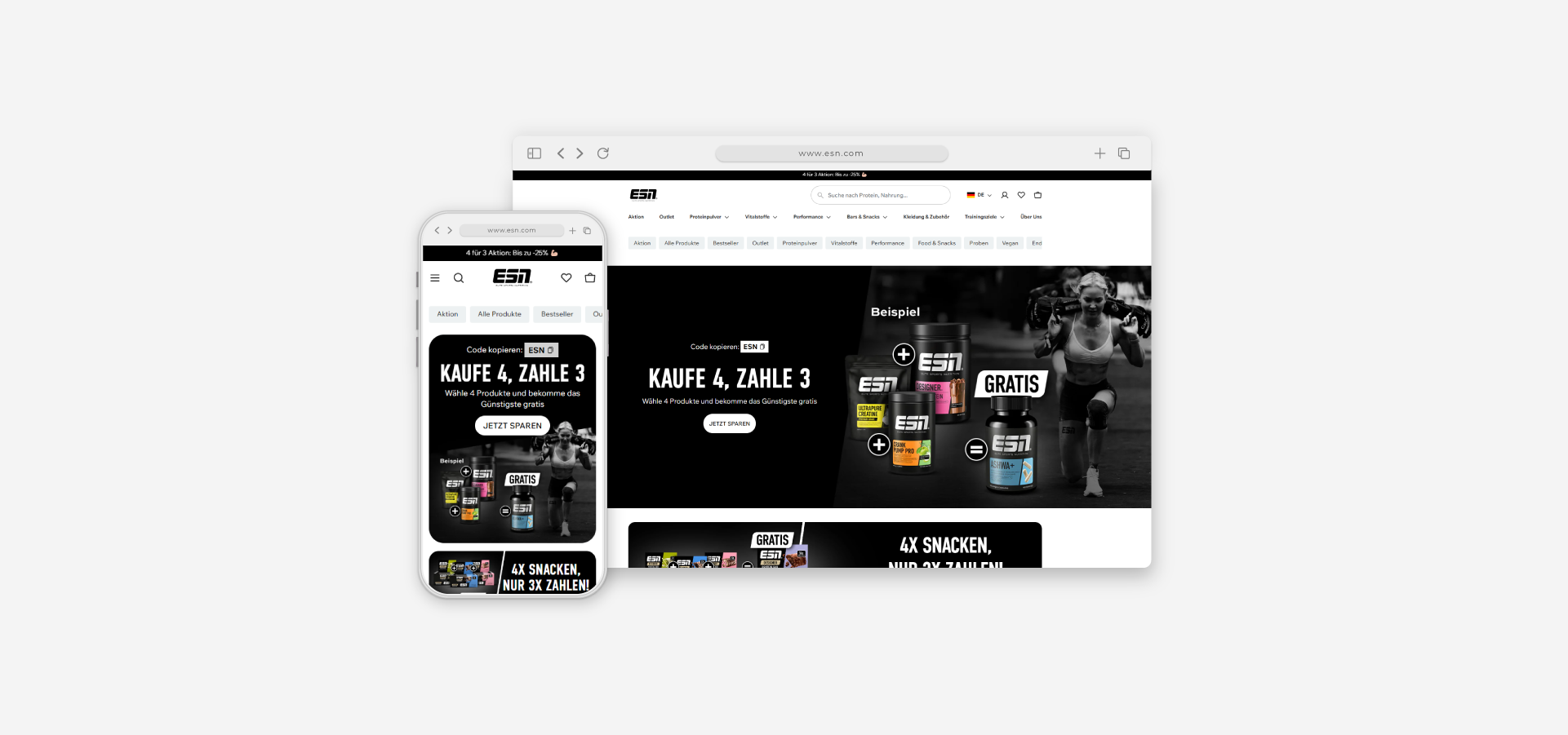
"As a long-standing partner, Datora implemented one of our most central features of all. I wanted us to be able to display the discount codes and their price calculation directly in the frontend on the product to offer our customers a better overview. This increased our conversion rate enormously!"
Benjamin Burkhard— ESN
"We urgently needed a solution to optimize our influencer management and improve work processes. Datora provided us with an intuitive and user-friendly app that we now use to fully automate our billing."
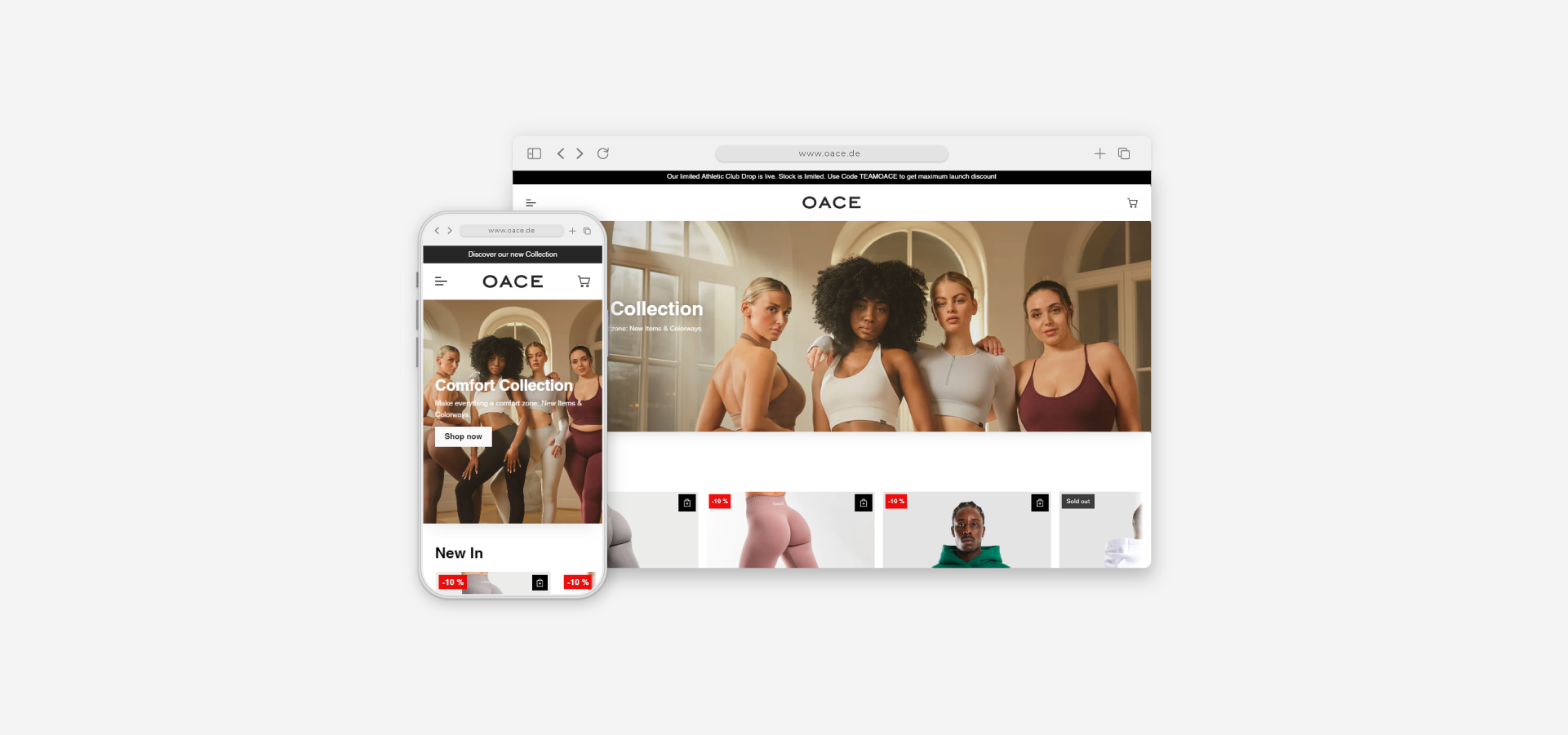
Jan Luca Kraume— OACE Sports
"We were faced with the challenge of better visualizing our unisex products for men and women. Datora built us a charming solution, with which the customer can switch between the two and the correct images are displayed."
Nadine Wolf— YUUNI Fashion
"We always have to prepare variants for launches, but we didn't want them to be online beforehand. Shopify couldn't do that, but Datora built us a hidden system for it, allowing us to hide variants and prepare them in peace."
#FAQ
FAQ: Common questions about the collaboration
How long does a Shopify migration take?
The duration depends on the scope, data volume, and integrations. After the analysis, a realistic schedule is created showing how the transition will be structured and which steps are necessary.
Will there be downtime during the migration?
Current operations usually remain active. The actual move takes place separately from the live system, so the switch can happen in a controlled manner and at a suitable time.
Which data can be reliably transferred?
Products, customers, orders, and individual structures can be transferred. What matters is how the existing system stores this data and how it is mapped to Shopify.
What happens to SEO-relevant content such as URLs or redirects?
Existing structures are checked and correctly mapped in Shopify. Redirects are created to ensure that familiar paths remain accessible.
How are existing integrations transferred to Shopify?
Systems such as ERP, CRM, or payment continue to run via suitable interfaces after the migration. Depending on the setup, a new integration or an API connection is created.
Can my existing design be adopted?
Layouts can be adopted, adapted, or newly developed. The decision depends on how well the current design fits Shopify and which functions are required.
What happens after the go-live?
The launch is followed by checks to ensure that processes, data, and integrations are running stably. Adjustments are implemented as needed so that the shop operates reliably.
#PARTNER
Internationally strong through our partner network
Shopify projects benefit from an architecture that interacts cleanly. Through partners for hosting, analytics, email, payment, and integrations, a technical basis is created that remains stable even with larger setups and can be expanded in a controlled manner.
Ready for the switch to Shopify?
A brief conversation will show how your current system works and which steps are sensible for the migration.